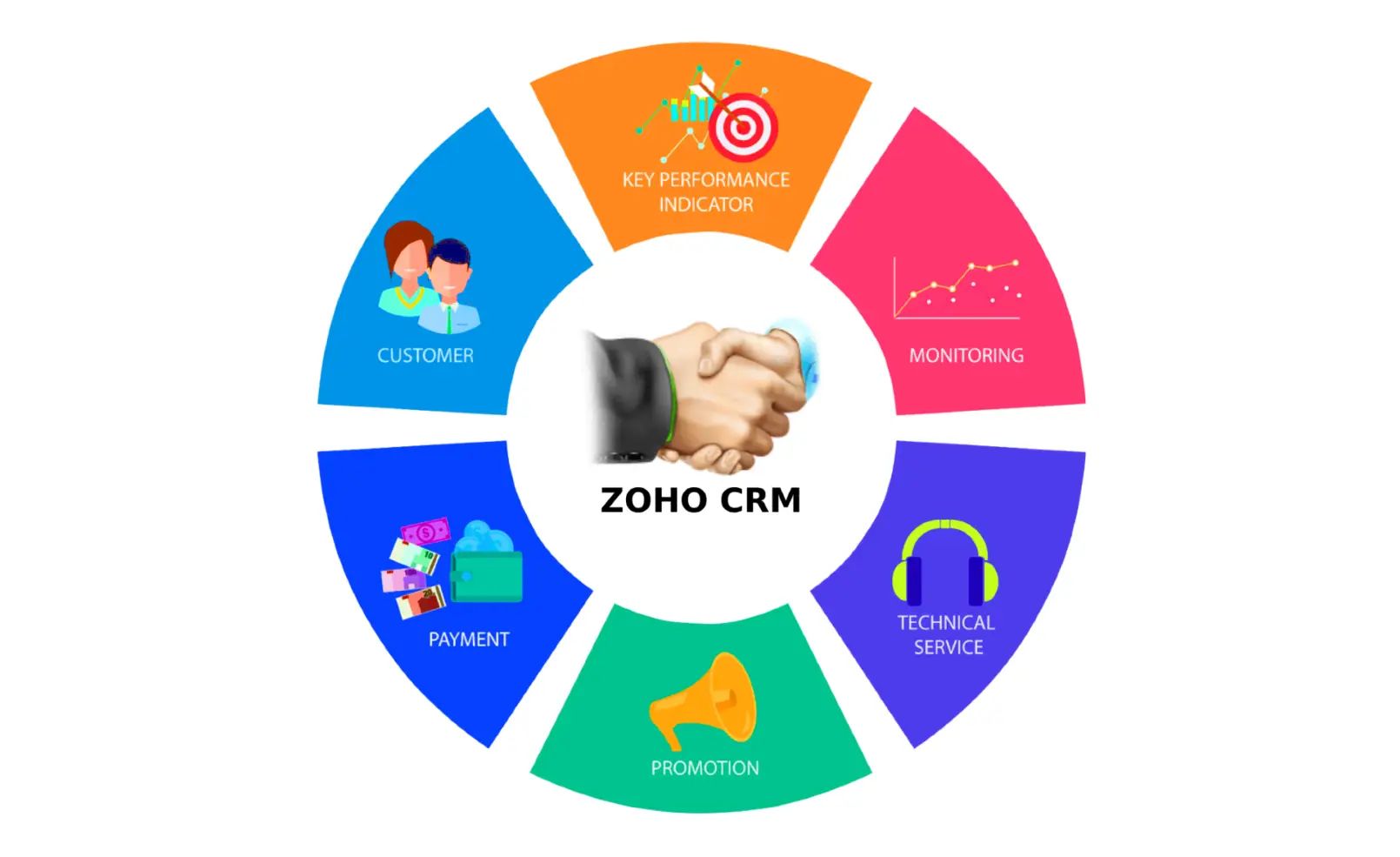
Customer support isn’t just about replying to emails anymore—it’s an entire ecosystem. In today’s hyper-connected world, your customers expect instant answers, personalized interactions, and a support team that feels more like a helpful friend than a faceless company. If you’ve ever tried managing all that chaos with spreadsheets or sticky notes, you know it’s basically a nightmare. That’s where Zoho CRM steps in.
Zoho CRM isn’t just for sales teams—it’s a powerful ally for customer support, too. Whether you’re handling incoming complaints, tracking tickets, or trying to figure out why someone’s angry on Twitter, Zoho CRM can turn what used to be overwhelming into something manageable (and maybe even enjoyable).
So grab your coffee, and let’s dive into everything you need to know about Zoho CRM for Customer Support—how it works, why it’s awesome, and what makes it different from other customer management tools out there.
What Is Zoho CRM, and Why Should Support Teams Care?
Zoho CRM (Customer Relationship Management) is like the Swiss Army knife of business tools. It’s built to manage customer data, automate processes, and streamline communication across teams. While many people think of it as a sales tool, the reality is that Zoho CRM’s flexibility makes it perfect for customer support as well.
Here’s the deal: customer support isn’t just about solving problems—it’s about managing relationships. Every time a customer contacts you, it’s another piece of the relationship puzzle. Zoho CRM helps you see the entire picture: purchase history, previous conversations, preferences, and even social interactions.
This means your support team can respond faster, smarter, and with more empathy (which, let’s face it, customers can sense).
Key Benefits of Using Zoho CRM for Customer Support
Using Zoho CRM for customer support can feel like upgrading from a flip phone to a smartphone—once you experience it, you’ll never want to go back. Here’s why.
1. A 360° View of Every Customer
Zoho CRM gives your support agents complete visibility into customer information. Imagine having all details—emails, calls, chat logs, tickets, invoices—right in front of you. No more “Can you tell me your order number again?” moments.
This holistic view helps your team deliver faster and more personalized responses.
2. Seamless Integration with Zoho Desk
One of the best things about Zoho’s ecosystem is how everything connects. Zoho Desk, Zoho’s dedicated help desk software, integrates smoothly with Zoho CRM.
This combo lets your support team access CRM data directly from support tickets and vice versa. So, when a support agent checks a ticket, they can immediately see sales info, purchase dates, or service history. That’s the kind of context that makes customers go, “Wow, they actually know me!”
3. Automation That Reduces Burnout
Support agents are human (even if they answer 200 tickets a day like superheroes). Zoho CRM helps by automating repetitive tasks like:
- Assigning tickets to the right department
- Sending follow-up emails
- Escalating overdue issues
- Tagging and categorizing customer inquiries
Less manual work means fewer mistakes—and happier agents.
4. Multi-Channel Support
Customers might reach out via email, chat, phone, or social media (and sometimes all at once). Zoho CRM centralizes these interactions so your team can handle them from a single dashboard.
It integrates with Zoho’s omnichannel tools and popular communication apps like WhatsApp, Telegram, and Facebook Messenger. Whether your customers are typing or talking, Zoho CRM keeps everything organized.
5. Real-Time Reports and Analytics
How do you know if your support team is actually doing well? With Zoho CRM’s reporting tools, you can track metrics like:
- Average response time
- Ticket resolution rate
- Customer satisfaction scores
- Support volume trends
Here’s a quick look at how Zoho CRM helps you visualize customer support performance:
| Metric | What It Shows | Why It Matters |
|---|---|---|
| First Response Time | How quickly support replies to new tickets | Fast responses build trust |
| Ticket Resolution Time | Time taken to close an issue | Indicates efficiency |
| Customer Satisfaction (CSAT) | Feedback after resolution | Measures service quality |
| Ticket Escalation Rate | How often issues need higher-level help | Reveals training needs |
| Agent Productivity | Number of tickets handled per agent | Shows workload balance |
How Zoho CRM Streamlines the Customer Support Workflow
Zoho CRM acts as the central hub for all customer data, making sure that every team—from sales to service—is on the same page. Here’s how the workflow typically plays out:
- A customer issue comes in. Maybe they emailed you, called, or left a comment on Instagram.
- Zoho CRM captures the interaction. It automatically logs the message and links it to the customer’s profile.
- The ticket gets routed to the right person. Based on rules you set, Zoho CRM assigns it to the correct agent or team.
- Agent checks the full context. They can see the customer’s purchase history, previous issues, and current sentiment.
- The issue gets resolved faster. Thanks to automation, pre-written responses, and internal collaboration tools.
- Customer feedback is tracked. You can even trigger satisfaction surveys directly from Zoho CRM.
Basically, everything feels smooth and connected—no more “Sorry, I need to check with another department” kind of responses.
Integration: The Secret Weapon Behind Zoho CRM
One reason Zoho CRM stands out is its integration power. It doesn’t just play nicely with other Zoho apps; it also works well with external tools your team might already be using.
Popular integrations include:
- Zoho Desk for ticket management
- Zoho SalesIQ for live chat
- Zoho Campaigns for email follow-ups
- Slack for internal communication
- Microsoft Teams and Google Workspace for collaboration
- WhatsApp & Telegram for direct customer chat
This means you can create a unified support experience without forcing your team to jump between 10 different platforms.
Zoho CRM vs Traditional Help Desk Systems
Let’s be honest—traditional help desk systems often do one thing really well: managing tickets. But they don’t always give you the bigger picture. Zoho CRM, on the other hand, bridges the gap between customer service, sales, and marketing.
Here’s a quick comparison:
| Feature | Zoho CRM | Traditional Help Desk |
|---|---|---|
| Customer Data Integration | Full 360° customer view | Usually limited to ticket data |
| Sales & Support Sync | Yes | Rarely integrated |
| Automation | Advanced workflows | Basic automation |
| Omnichannel Support | Email, chat, phone, social media | Often email and chat only |
| Customization | Highly flexible | Limited templates |
| Analytics & AI Insights | Included | Add-on or none |
In short: Zoho CRM doesn’t just help you handle tickets—it helps you understand why customers reach out in the first place, so you can prevent future issues.
Real-World Use Case: Zoho CRM in Action
Imagine you run an e-commerce business selling gadgets online. A customer named Sarah emails about a delayed shipment. Here’s how Zoho CRM simplifies the process:
- The email is automatically logged as a support case and linked to Sarah’s CRM record.
- The agent can instantly see Sarah’s previous purchases, last chat interaction, and current order status (pulled from your integrated system).
- The agent sends a quick update and marks the case for follow-up.
- If Sarah leaves a review later, Zoho CRM records that too—giving marketing insight into her overall satisfaction.
Everything stays connected, from first contact to final feedback.
The AI Advantage: Zia, Zoho’s Smart Assistant
Yes, Zoho CRM even has AI—and it’s not just for show. Meet Zia, Zoho’s intelligent assistant. Zia helps customer support teams by:
- Predicting customer sentiment (happy, neutral, frustrated)
- Suggesting best times to respond
- Recommending next actions based on conversation history
- Analyzing ticket trends to prevent recurring problems
Think of Zia as the brain that helps your team work smarter, not harder.
Is Zoho CRM Right for Your Business?
If your team handles customer inquiries, complaints, or service requests on a daily basis, the answer is probably yes. Zoho CRM scales well—from small businesses with a handful of agents to enterprises managing thousands of support tickets per day.
Plus, it’s affordable compared to many competitors, making it a great choice for startups or growing companies that need robust tools without breaking the bank.
Pricing Overview
Zoho CRM has several pricing tiers, depending on what features you need:
| Plan | Price (Monthly, per user) | Key Features |
|---|---|---|
| Standard | ~$14 | Workflow automation, contact management |
| Professional | ~$23 | SalesSignals, inventory management, blueprints |
| Enterprise | ~$40 | Zia AI, advanced analytics, multi-user portals |
| Ultimate | ~$52 | Enhanced storage, dedicated support, analytics suite |
You can also start with the Free Plan, which is perfect for small teams just getting started with CRM-based support.
Conclusion
Zoho CRM isn’t just another business tool—it’s a complete ecosystem that helps you create a smooth, consistent, and personal customer support experience. With its integrations, automation, and smart analytics, you can turn customer complaints into loyalty opportunities and support chaos into organized efficiency.
Whether you’re running a small startup or managing a full-scale enterprise, Zoho CRM gives your team the power to understand customers on a deeper level—and deliver service that keeps them coming back. Because in the end, great support isn’t about responding quickly; it’s about building relationships that last.
FAQ
1. Can I use Zoho CRM without Zoho Desk for customer support?
Yes! While Zoho Desk enhances the experience, Zoho CRM alone already provides powerful tools for managing customer interactions, notes, and workflows.
2. Is Zoho CRM suitable for small support teams?
Absolutely. Even the free version of Zoho CRM supports essential customer tracking and automation, perfect for small teams or startups.
3. Does Zoho CRM support social media interactions?
Yes, Zoho CRM integrates with platforms like Facebook, Twitter, WhatsApp, and more, allowing you to manage social conversations directly from your CRM.
4. How does AI (Zia) help in customer support?
Zia analyzes patterns in conversations and predicts customer sentiment, helping support teams respond more effectively and identify potential issues early.
5. Can Zoho CRM track customer satisfaction?
Yes, Zoho CRM can integrate with survey tools and capture customer feedback automatically, turning it into measurable satisfaction metrics.
6. Is Zoho CRM expensive for small businesses?
Not at all. With plans starting under $15/month (and a free version available), Zoho CRM is one of the most cost-effective CRMs for growing support teams.
7. Does Zoho CRM offer mobile access for support agents?
Yes, Zoho CRM has a mobile app that lets agents respond, track, and manage tickets on the go—perfect for remote or hybrid teams.